 RU
RU  EN
EN Page 1 of 5
In the lower left corner of each board, there's a button with three horizontal lines (≡). This is the Main Menu button, which contains tools that allow you to perform certain operations with a group of selected notes.
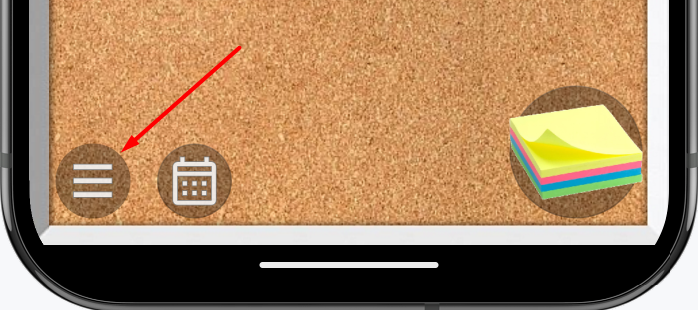
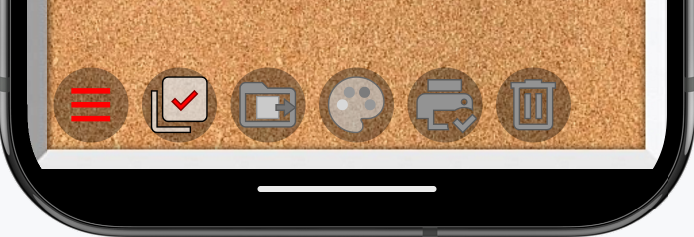
Click this button, and you'll see several options with icons. However, all but the first option are currently inactive.
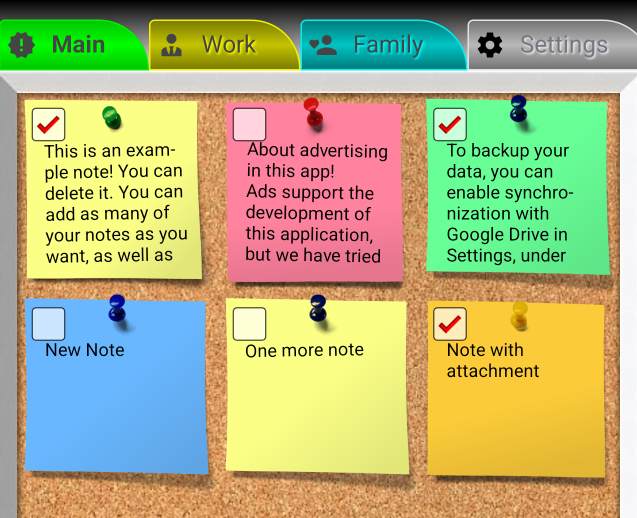
At the same time, note that checkboxes have appeared on the notes on this board, allowing you to mark individual notes.
Once at least one note is marked, all menu items become active.
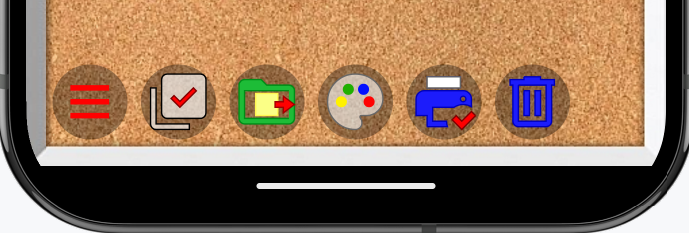
The first item with a check mark serves only to quickly mark or unmark all notes on the board.
All actions performed using the remaining menu items will apply only to the selected notes.